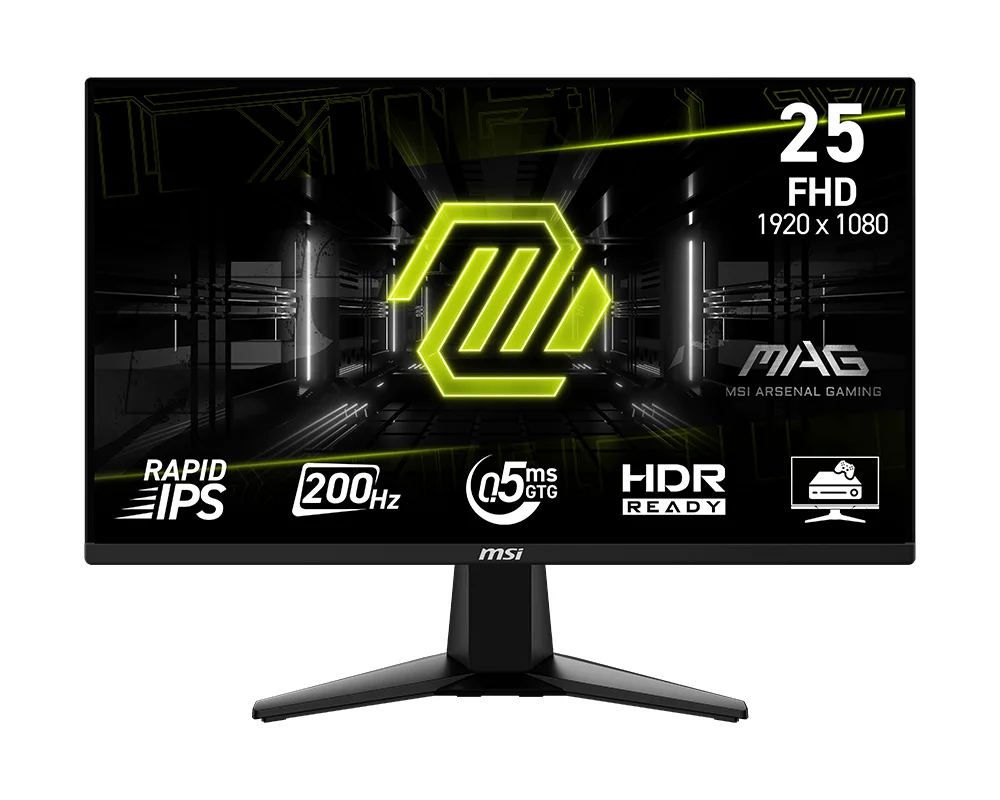
Monitors.
A monitor that doesn't make you choose.
Gaming and Pro panels, from 1080p to 4K. Fast enough for the frame rate, accurate enough for the drawing.
One display, for work and for everything else.
The same panel that runs your game at 144Hz holds colour well enough for a client render or a Revit viewport.
Today we stock gaming and pro panels from other makers. Our own range follows. Which one is right depends far more on the graphics card driving it and the work in front of you than on the number itself.
Which one you actually need.
- Match the resolution to the card.Running 4K on a GPU built for 1440p costs you the frames you paid for. Tell us the card, or let us work out both together.
- Refresh rate, and where it stops mattering.The step from 60Hz to 144Hz is obvious to almost everyone. The step from 144Hz to 240Hz is real but far smaller. Worth knowing which side of that line your games sit on before paying for it.
- Colour that holds up.IPS characteristics matter the moment a drawing, a render, or a client presentation leaves your desk. A panel that flatters everything is not doing you a favour.
- More than one.Two or three panels change how BIM coordination and multi-application work feel. They do the same for a sim rig. Plan the desk before buying the display.